Text
Text blocks let you manipulate strings.
Comment

Type: Order
Definition :
This block allows you to add a comment to the code.
Use :
If you want to add a note in your code to explain part of your program. It is only for you and is not executed by Eliobot.
Write a message

Type: Order
Definition :
This block allows you to write a message to the terminal.
Use :
If you want to display a message in the terminal. This can be useful for debugging your program.
Text variable

Type: Value
Definition :
This block allows you to define a text type variable.
Use :
If you want to store text to use it in your program.
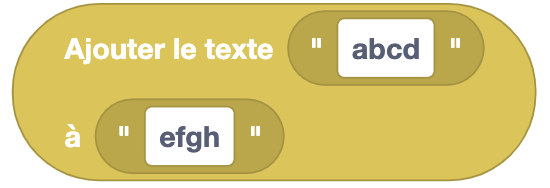
Add text
Type: Value
Definition :
This block allows you to add one text to another.
Use :
If you want to concatenate two texts. For example, if you want to add a first name to a last name.
Change case

Type: Value
Definition :
This block allows you to modify the case of a text.
Use :
If you want to put text in uppercase or lowercase.
Reverse text

Type: Value
Definition :
This block allows you to reverse text.
Use :
If you want to reverse a text. For example, if you want to read a text backwards.
You can try with "kayak". 😉
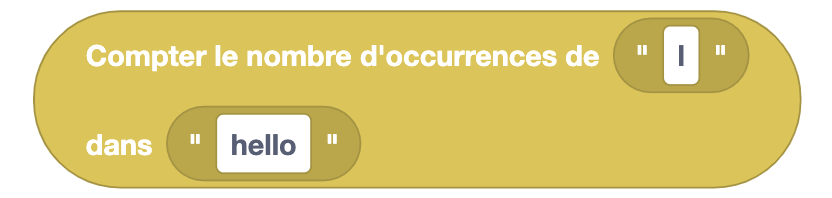
Count occurrences
Type: Value
Definition :
This block allows you to count the number of occurrences of one text in another.
Use :
If you want to know how many times a word appears in a text.
Remove spaces

Type: Value
Definition :
This block allows you to remove spaces from text.
Use :
If you want to remove spaces from text. For example, if you want to remove spaces from a sentence to compare it to another.
Clean the terminal

Type: Order
Definition :
This block allows you to clean the terminal. Start again on a blank page.
The terminal is not really deleted, we skip several lines to no longer see the old messages. You can always go back to see previous messages.
Use :
If you want to clean the terminal to have better readability of your program.