Application Elioblocs pour PC
Elioblocs is also available as an application for Windows, macOS and Linux.
I advise you to use the Elioblocs web application available on app.eliobot.com for an optimal experience. The PC application is mainly intended for users who want to work offline or have connection problems with the web application.
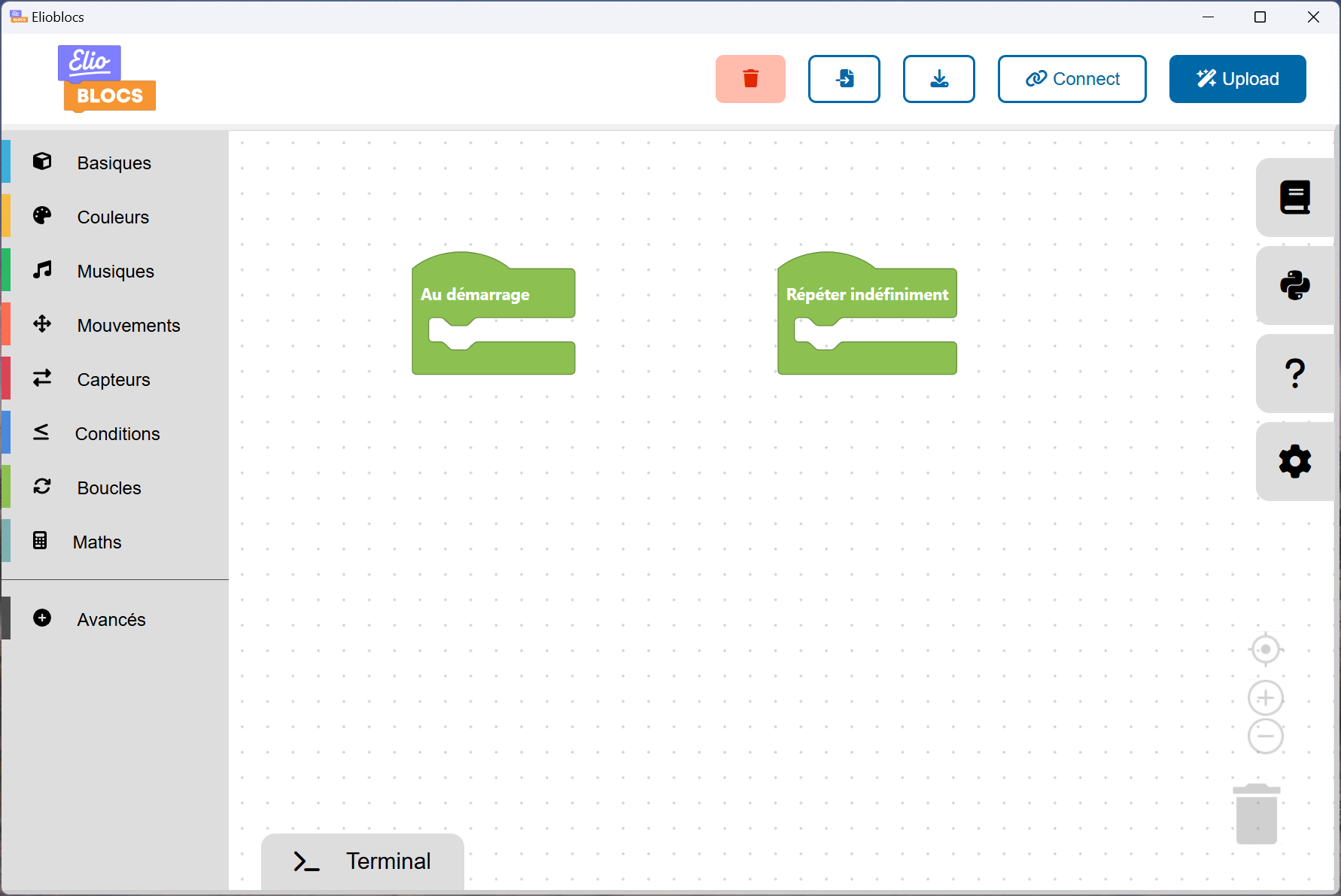
Download the app
Choose your operating system:

-black?style=for-the-badge&logo=apple)
-black?style=for-the-badge&logo=apple)

-orange?style=for-the-badge&logo=linux)
- Windows: click on the blue button.
- macOS:
- Recent Mac (since 2020) → Apple Silicon
- Older Mac → Intel
- Linux:
- Intel or AMD processor (Desktop and Laptop) → Linux
- ARM processor (Raspberry Pi, Chromebook, etc.) → Linux (ARM64)
Installation on Windows
- Download the file
Elioblocs Setup.exevia the button above. - Opens the downloaded file.
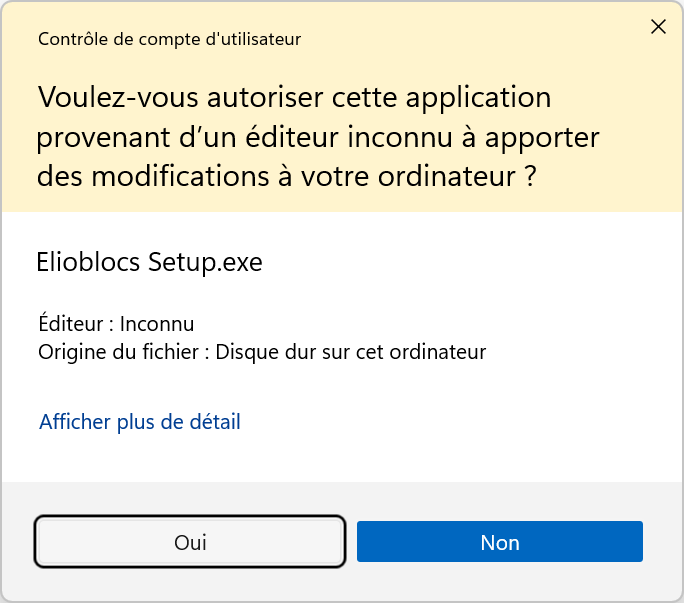
- Click "Yes" if Windows asks you for authorization.
- Follow the installation steps. The default options are generally fine.
- Once installed, launch Elioblocs from the Start menu or desktop shortcut.
Installing on macOS
- Download the
.dmgfile suitable for your Mac. - Open the file to mount the disk image.
- Drag the Elioblocs icon into the Applications folder.
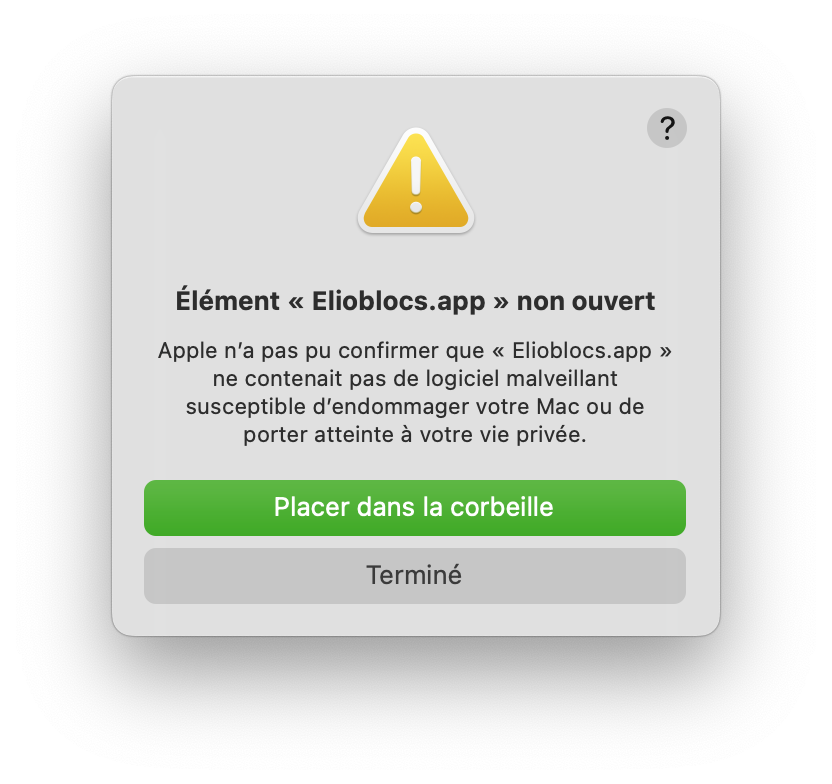
- Authorize the application via the terminal:
xattr -rc com.apple.quarantine "/Applications/Elioblocs.app"
If you don't do this step, you will get an error message when launching.
Don't worry, this is standard macOS security for unverified apps.
- Launch Elioblocs from the Applications folder or via Spotlight.
Installing on Linux
- Download the
.AppImagefile suitable for your system. - Move the downloaded file to a folder of your choice (for example, the desktop or a specific folder for example
~/Applications). - Open a terminal and navigate to the folder where you moved the file.
- Make the file executable with the command:
chmod +x Elioblocs.AppImage
or for ARM64:
chmod +x Elioblocs-arm64.AppImage
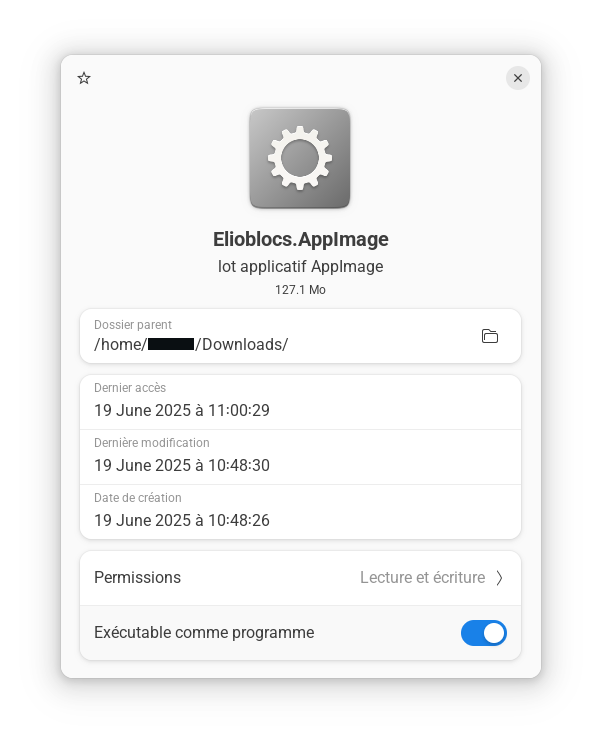
You can also right-click on the file, select "Properties", then check the box Executable comme un programme.
- Launch the application with the command:
./Elioblocs.AppImage
or for ARM64:
./Elioblocs-arm64.AppImage
You can also double-click on the file to open it.
On some Linux distributions, you may need to install additional dependencies for the application to work properly. Consult your distribution's documentation for more information.
If you want the application to be accessible from the applications menu, you can create a file .desktop in the ~/.local/share/applications/ folder, I advise you to follow a tutorial specific to your distribution for this.
App update
To update Elioblocs, simply download the latest version from the official website and follow the installation process again. If you have already installed Elioblocs, the installer will automatically replace the old version with the new one.