Wi-Fi
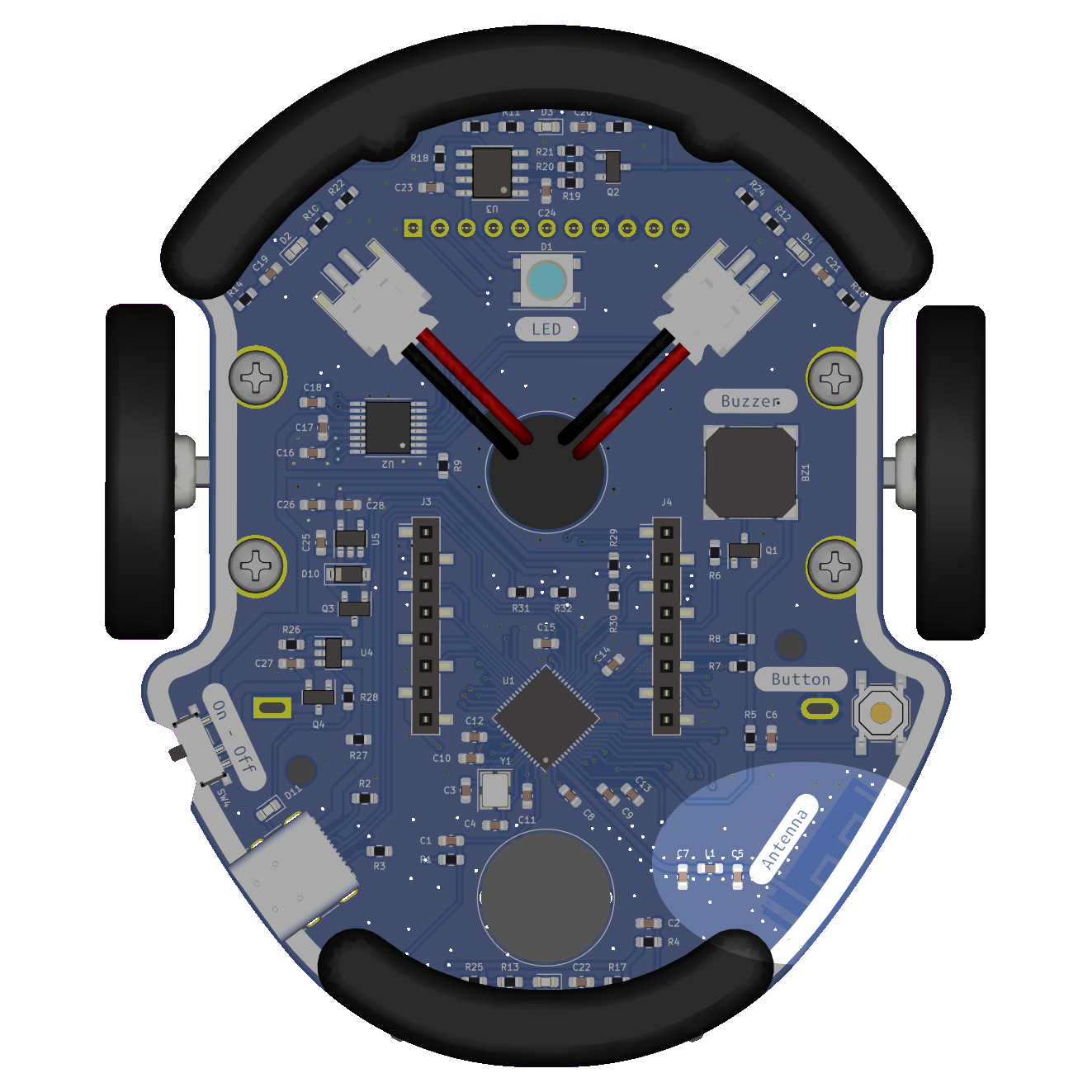
Eliobot's Wi-Fi allows you to connect to a Wi-Fi network to communicate with other devices.
Use with Elioblocs
In Elioblocs, we use the  category for the connection and everything that can be done in Networks.
Use with Python
To use Eliobot's Wi-Fi in Python, there are two possibilities:
- Use the
wifilibrary to connect to a Wi-Fi network. - Use the
settings.tomlfile to configure Wi-Fi.
Wi-Fi connection information is stored in the settings.toml file at the root of the card.
Here is an example of a settings.toml file:
CIRCUITPY_WIFI_SSID = "your_wifi_ssid"
CIRCUITPY_WIFI_PASSWORD = "your_wifi_password"
CIRCUITPY_WEB_API_PASSWORD = "your_web_api_password"
The connection information contained in the settings.toml file is persistent, that is to say, it is saved even if the card is turned off, so it is not necessary to rewrite it each time the card is restarted.
After writing the connection information in the settings.toml file, it is possible to access an IDE, a file manager and a terminal from the Eliobot IP address. This is a function integrated into CircuitPython.
Learn more here: Web Workflow
Related examples
Elioblocs example
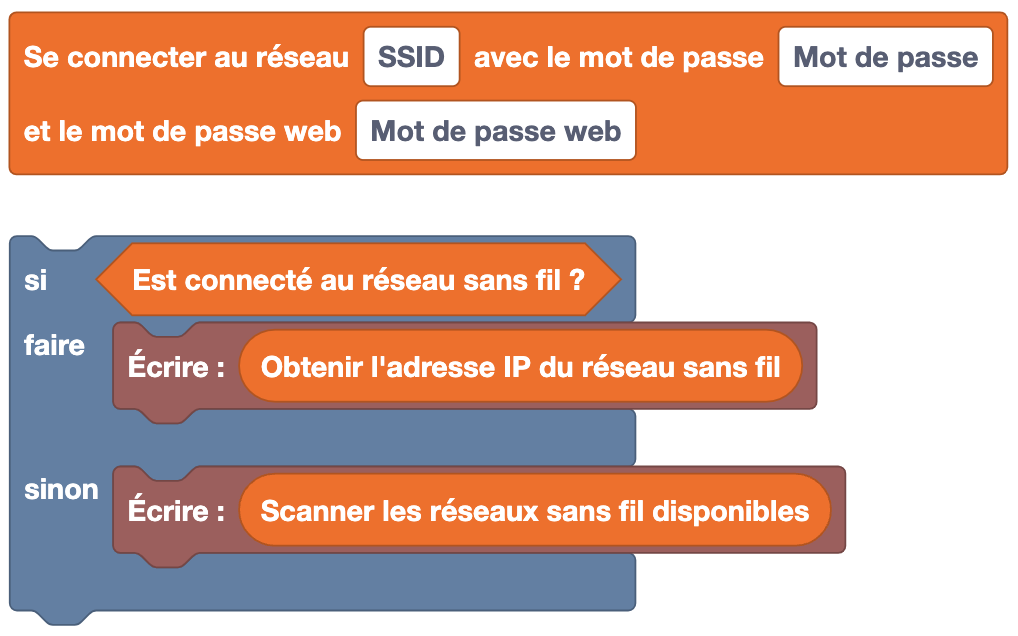
Here, we connect to a Wi-Fi network, we check if the connection is established if yes, we display the IP address otherwise we display the list of available networks.
Python example
With the bookstore wifi
import wifi

wifi.connect("your_wifi_ssid", "your_wifi_password")

if wifi.is_connected():
    print("Connected to Wi-Fi")
    print("IP address:", wifi.ip_address)
else:
    print("Connection failed")
    print("Available networks:", wifi.available_networks)
In this example, we connect to a Wi-Fi network, we check if the connection is established if yes, we display the IP address otherwise we display the list of available networks.
With the file settings.toml
import wifi

# Connection settings
ssid = "your_wifi_ssid"
password = "your_wifi_password"
webpassword = "your_web_api_password"

# Write connection settings to settings.toml
with open('settings.toml', 'w') as f:
        f.write('CIRCUITPY_WIFI_SSID = "' + ssid + '"\n')
        f.write('CIRCUITPY_WIFI_PASSWORD = "' + password + '"\n')
        f.write('CIRCUITPY_WEB_API_PASSWORD = "' + webpassword + '"\n')

print("Settings saved")

if wifi.is_connected():
    print("Connected to Wi-Fi")
    print("IP address:", wifi.ip_address)
else:
    print("Connection failed")
    print("Available networks:", wifi.available_networks)
Same principle as the previous example, but this time, we write the connection information in the file settings.toml i.e. the program does not automatically connect to the Wi-Fi network, the card must be restarted for the connection to be established.
It is possible to modify the connection information in the settings.toml file using an IDE like Thonny without having to modify the Python code.