Button
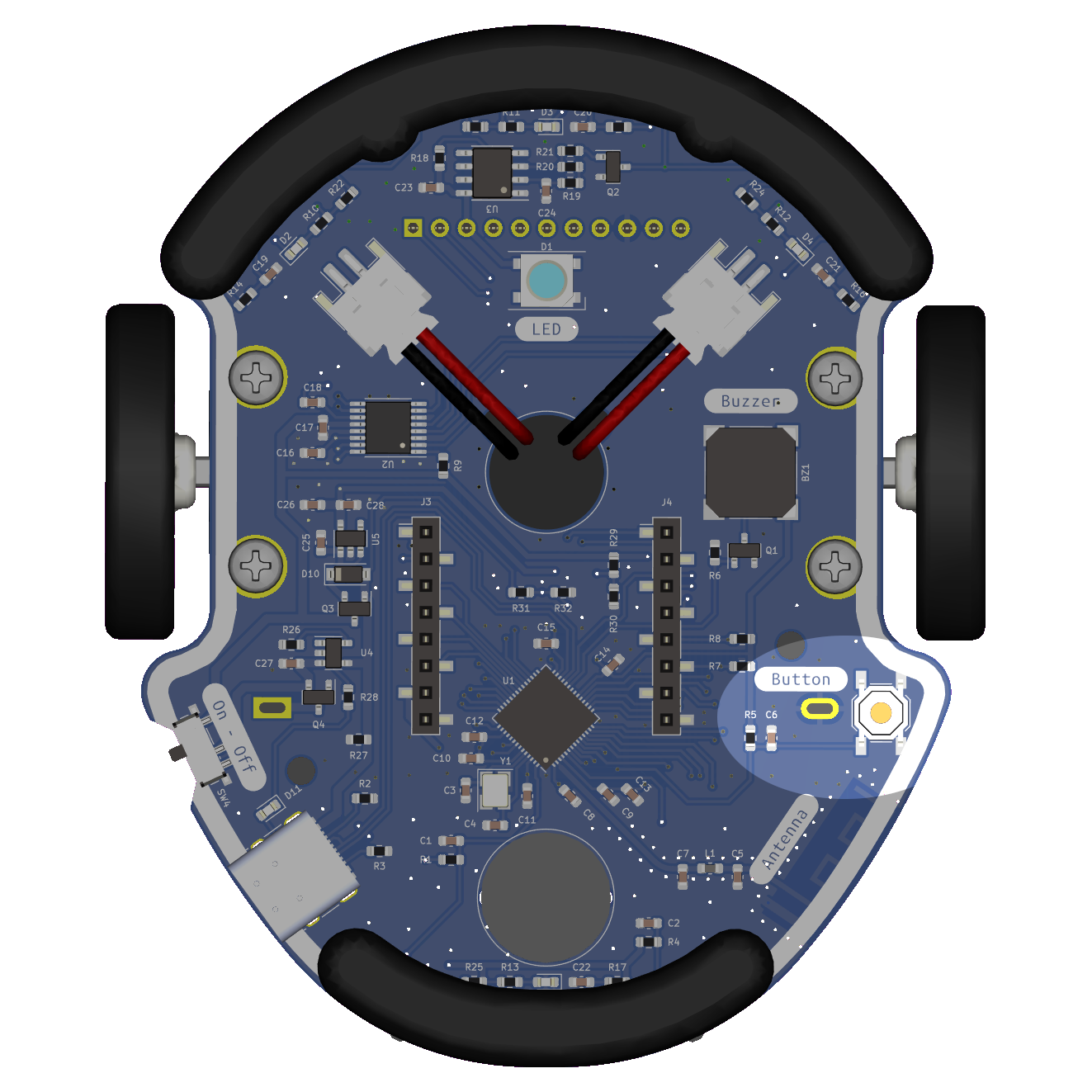
The Eliobot button can be used to put it in Bootloading mode or to be used in a program.
To put Eliobot in bootloading mode, simply keep the button pressed while you turn on Eliobot. Be careful to do this before connecting Eliobot to the computer.
Bootloading mode is a mode that allows you to flash the Eliobot microcontroller.
Use with Elioblocs
To use the Eliobot button on Elioblocs, we use the 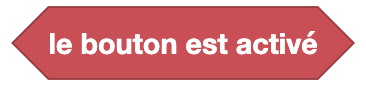 block to check whether the button is pressed. It returns
 true if the button is pressed, and false otherwise.
Use with Python
Eliobot's button is connected to the pin IO0 on the card, you just have to read the state of the pin to know if the button is pressed or not.
The information that the button returns are numeric values (0,1), so they must be converted to Boolean to know if the button is pressed or not.
Related examples
Elioblocs example
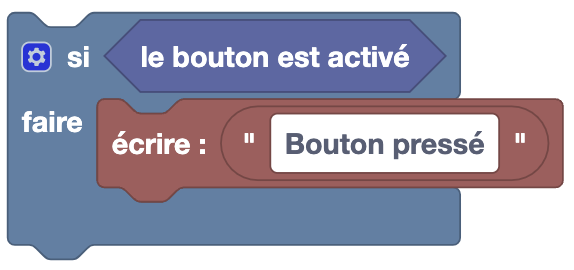
Here, we use the block to print in the terminal when the button is pressed.
Python example
import board
from digitalio import DigitalInOut, Direction, Pull

button = DigitalInOut(board.IO0) # Create button object
button.direction = Direction.INPUT # Configure button as input

if button.value: # If the button is pressed
    print("Button pressed")
Here, we use the board library to retrieve the IO0 pin and the digitalio library to configure the input pin. Then we test if the button is pressed and display a message in the terminal.